The Calendar feature in our IMAP solution lets you sync your calendar with external apps via CalDAV. This guide explains how to create a CalDAV connection.
Log in at https://imapweb.nameweb.biz/
Open Calendar, hover over the calendar you want to sync, and click the pencil icon to edit it.
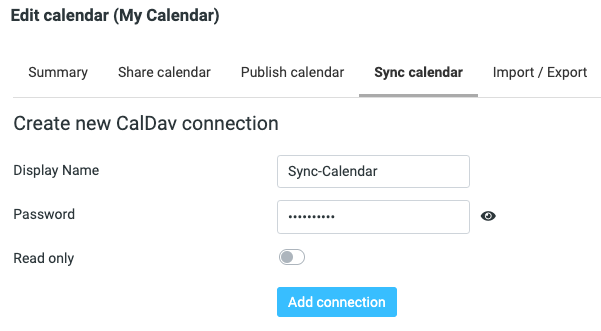
Go to the Sync calendar tab. Here you can add one or more CalDAV connections, for different devices or people.
Enter a display name, set a password, and optionally mark the connection as read-only.
Click Save.
Your new connection will appear in the list along with the information you need to configure any third-party calendar app.