Depending on the domain name extension, a different procedures might apply to changing the owner of the domain name.
The first step is always to make sure you add a contact to your account with the details of the new owner. For this:


In order to actually change the owner:

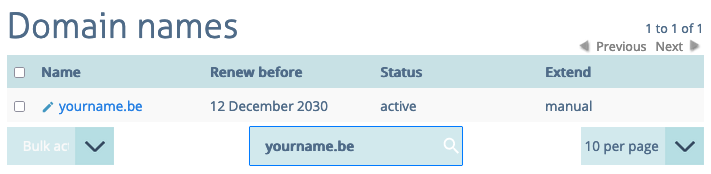
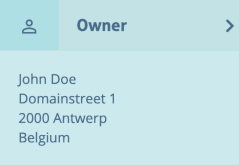
From here on, the exact procedure can differ depending on the domain name extension:
With many domain name extensions, the owner change can simply be requested by selecting a different owner from the drop-down in your account:

Confirming this update, will confirm that you agree to changing the ownership of this domain name.
Some registries do charge a fee and have somewhat of a procedure before they'll allow you to change the owner of a domain name. If that's the case, then you'll not be able to select a different owner from the drop-down, but you'll see further instructions below the contact fields:
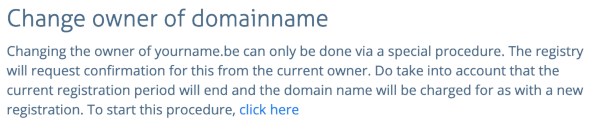
Via the "click here" option, you'll be able to select a new owner and start this procedure. When this is the case, the registration period does restart and you have to pay as if it's a new registration.